Airbnb Listing Checklist
Airbnb Photo Checklist for Hosts: What Your Listing Gallery Should Include
A strong Airbnb gallery should answer guest questions quickly. It should show what the property looks like, how it works and why it is worth choosing over similar listings. This checklist gives hosts a practical structure for planning a complete image set.
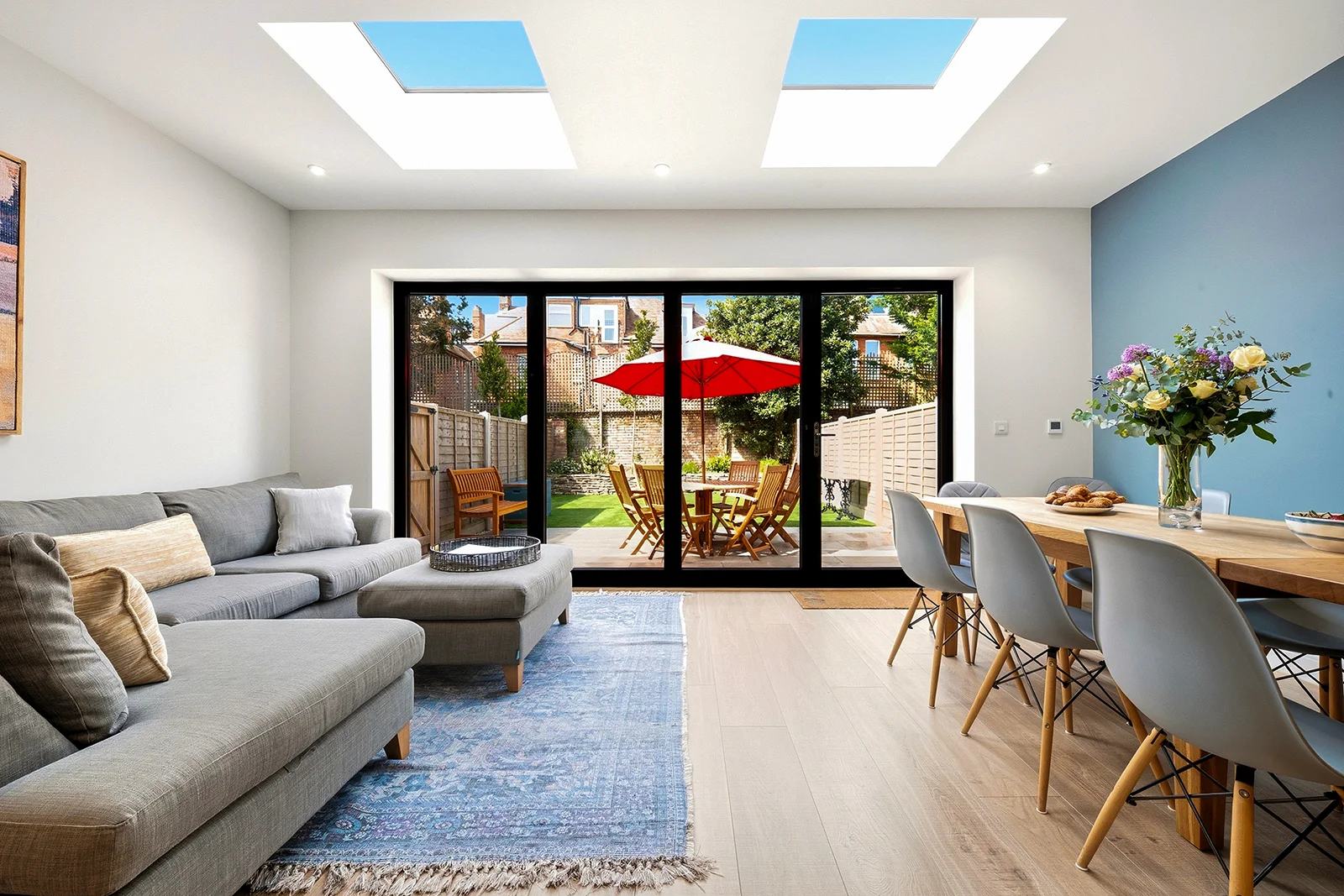
A strong Airbnb gallery should work like a short visual tour. It should show the best reason to click, then remove the practical doubts that stop guests from booking. Pretty images matter, but a gallery that only shows the prettiest corners is not enough.
Before the shoot, treat the image list as a decision tool. A guest wants to know where they will sleep, cook, eat, park, work, bring children, bring a dog, store luggage, sit outside and spend time together. If the gallery does not answer those questions, the listing usually attracts more hesitation and more pre-booking messages.
Airbnb’s own gallery guidance
Airbnb recommends uploading listing photos at least 1024 × 683 pixels and advises hosts to show the different areas guests can access. The practical implication is simple: the gallery should cover the whole stay, not just the most photogenic room.
Start with the commercial job of the gallery
The job of the gallery is not to document the property in a neutral order. It is to help the right guest decide quickly. A family wants to see bedrooms, living space, bathrooms, kitchen practicality and outdoor space. A couple may care more about atmosphere, finishes and local context. A group booking needs proof that the dining and lounge areas actually work for the number of guests advertised.
A useful way to plan the shoot is to write down the top five reasons someone books the property, then the top five reasons they might hesitate. Your gallery should support both lists. Lead with the strongest reason to click, then use the rest of the images to reduce uncertainty.
The minimum shot list for most holiday lets
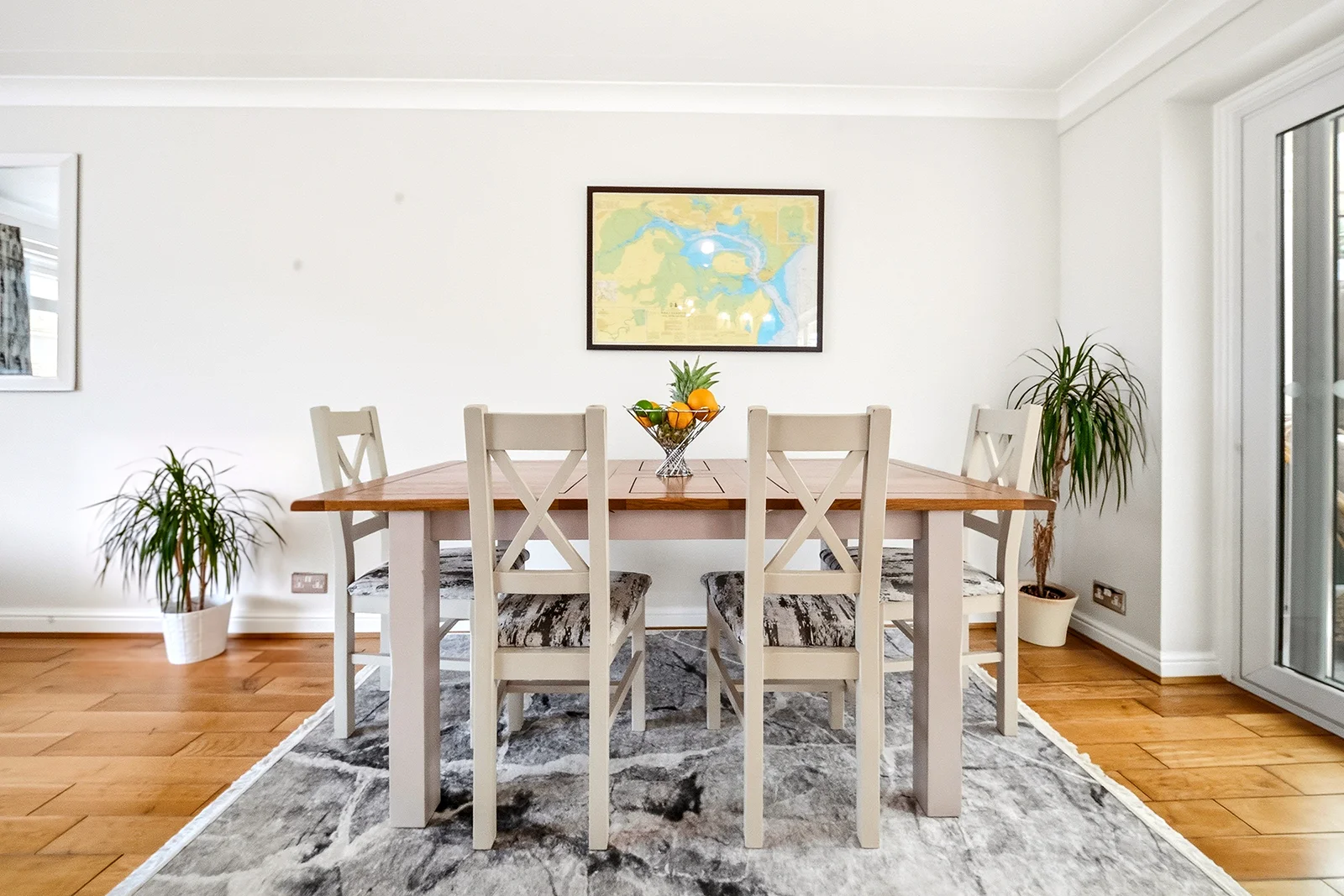
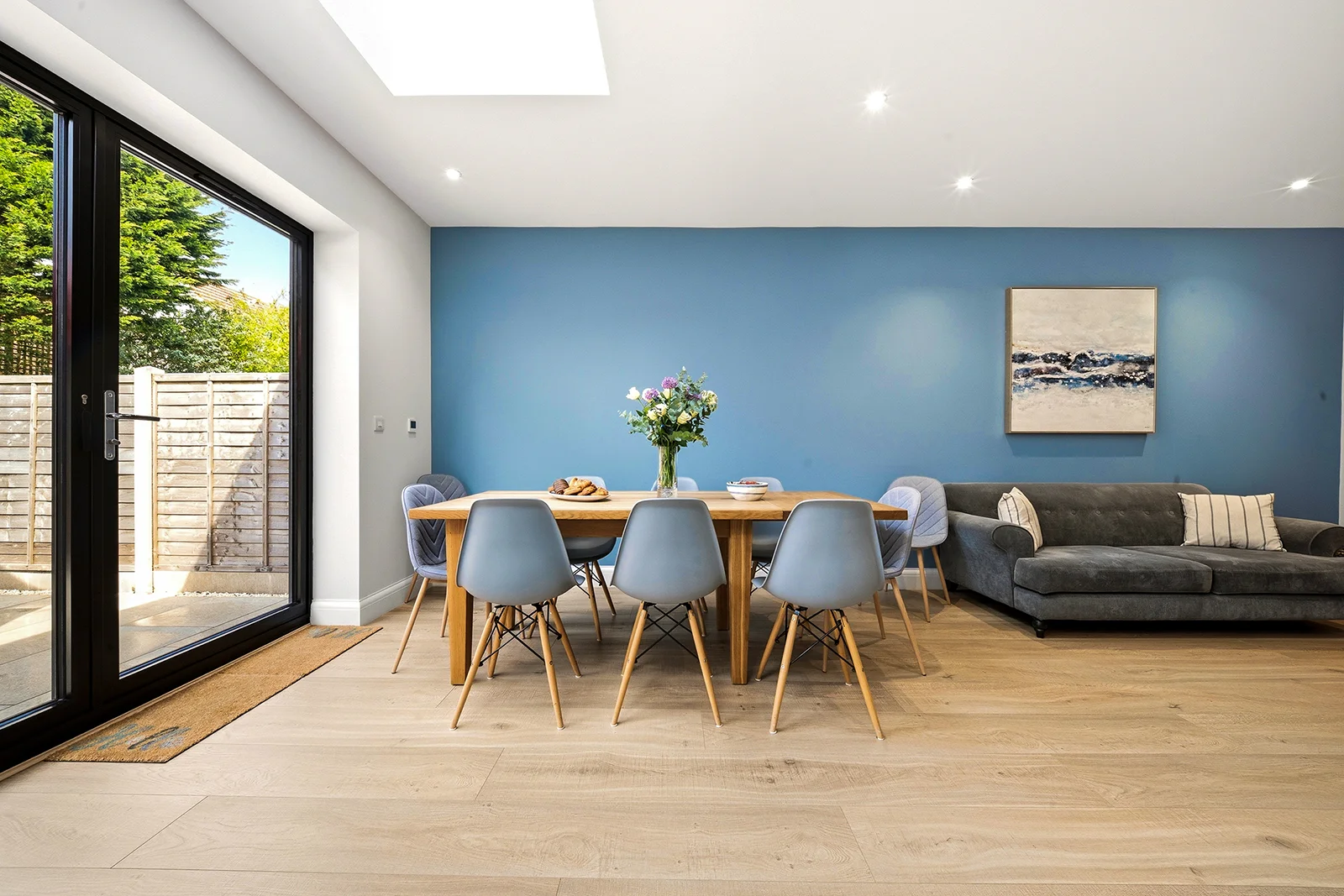
Most listings need a complete set rather than a random selection of attractive frames. That usually means a hero image, the main living space, kitchen, dining area, every bedroom, every bathroom, exterior, entrance, outdoor space and practical amenities. Larger properties may need extra angles to explain how spaces connect.
| Area | What the photo should prove | Common mistake |
|---|---|---|
| Living room | Seating capacity, light, comfort and room flow. | Photographing from the doorway with no sense of scale. |
| Kitchen | Worktop space, appliances, dining connection and cleanliness. | Showing only a close-up detail instead of the full working area. |
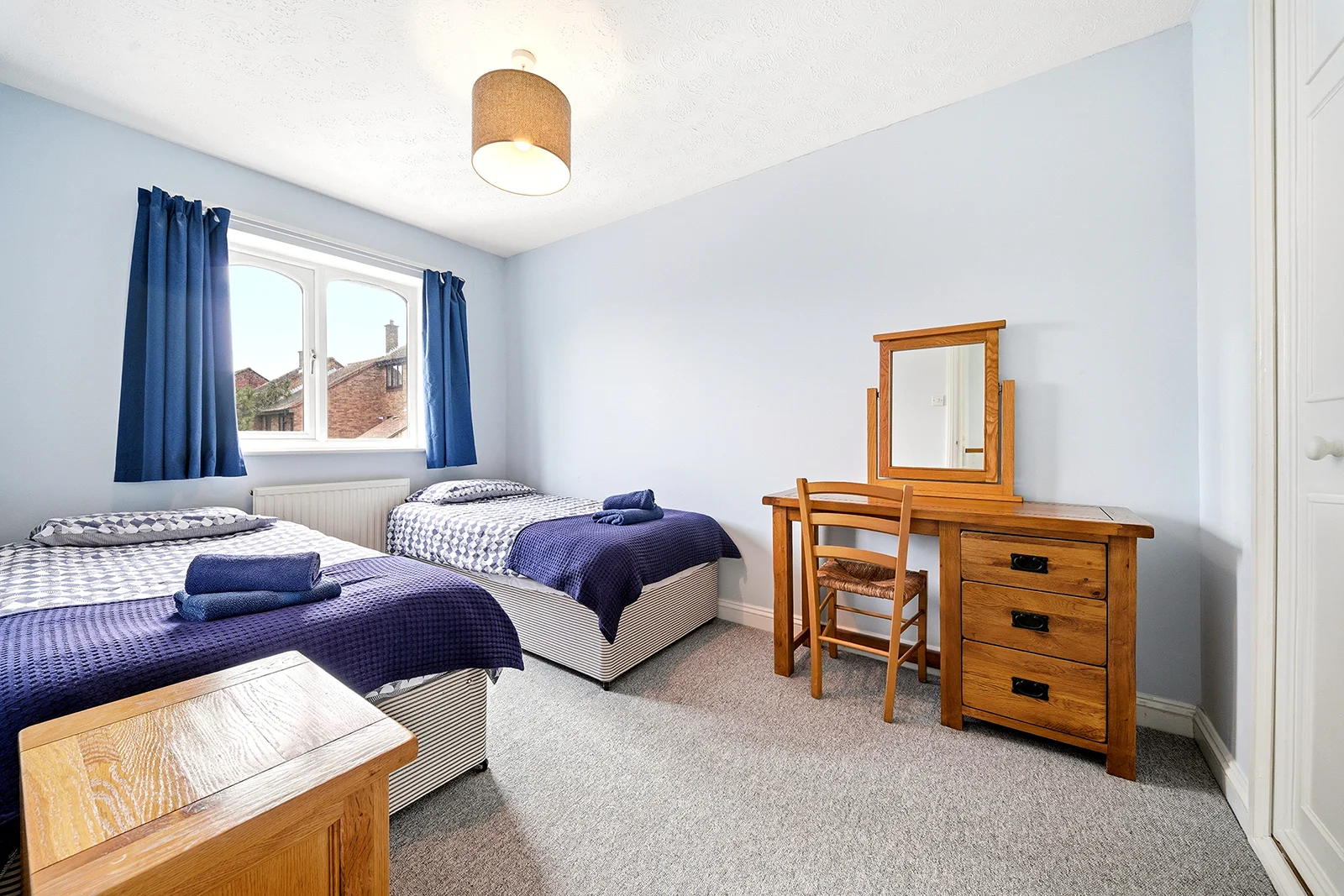
| Bedrooms | Bed size, storage, walking space and calm presentation. | Using bedding that looks creased or photographing too tightly. |
| Bathrooms | Clean fixtures, shower or bath setup, mirrors and light. | Leaving reflections, bins, toiletries or harsh mixed lighting. |
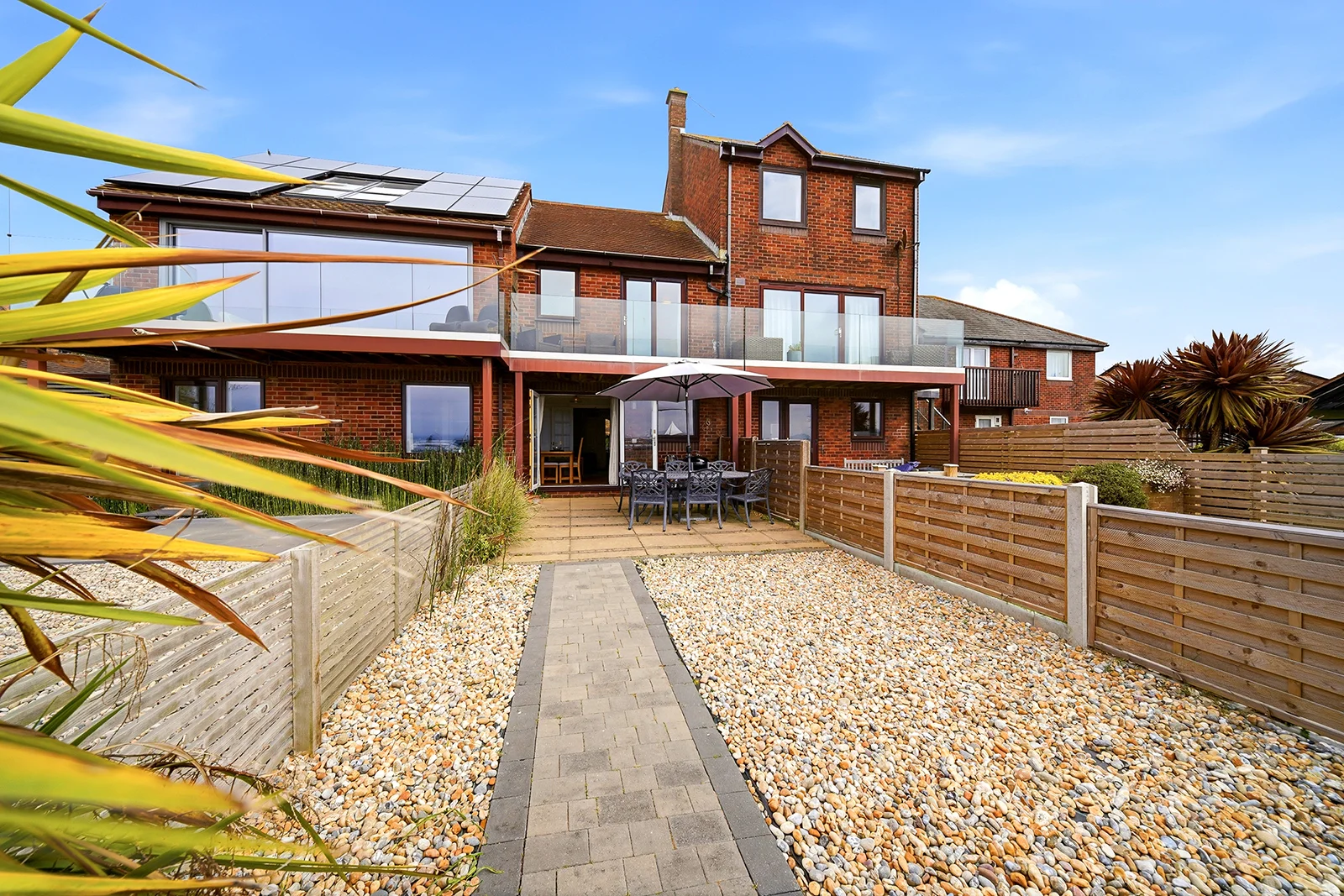
| Exterior | Arrival, kerb appeal, parking, garden and access. | Only showing the best angle and omitting practical arrival context. |
Add images that prevent messages
Useful photographs are not always glamorous. Parking, stairs, workspaces, laundry, cot space, garden gates, hot tubs, balconies, EV charging, pet-friendly areas and entrance routes can all influence the booking decision. If guests routinely ask the same question, that is often a sign that the gallery is missing an image.
This does not mean the gallery should become cluttered. Practical images still need clean composition. A driveway shot can be neat. A stair image can be useful without feeling like a survey record. The goal is to answer the question while keeping the listing visually credible.
A practical gallery order
- Start with the strongest overall selling image.
- Show the main living and social spaces early.
- Move through kitchen, dining, bedrooms and bathrooms logically.
- Add exterior, access, parking and outdoor amenities after the core rooms.
- Finish with details that support the stay: coffee setup, workspace, views, games, local touches or pet-friendly features.
What to leave out
A longer gallery is not automatically better. Avoid near-duplicate angles, overly tight detail shots, images of cluttered storage areas, seasonal decorations that will not be there when guests arrive, and anything that makes the property feel less cared for. Guests read repetition as filler.
Also avoid hiding weaker areas. If a room is available to guests, show it clearly. Missing images often create more suspicion than honest, well-composed photographs of ordinary spaces. Completeness builds trust.
Final pre-upload check
Clarity
Can a guest understand the layout, sleeping arrangements and main amenities without reading the description?
Sequence
Does the gallery move through the property in a way that feels natural, or does it jump between unrelated spaces?
Consistency
Do brightness, colour and vertical lines feel like one professional set rather than several different shoots?
Honesty
Would the guest recognise the property immediately on arrival, including the less decorative areas?
Sources and further reading
These references are included for context only. Results vary by property, location, pricing, reviews, seasonality and how well the listing is managed.
- Airbnb Help Centre: taking great photos of your listing — Airbnb recommends a minimum photo resolution of 1024 × 683 pixels and advises hosts to show the different areas guests can access.